Rotate
Left Mouse Button Drag

Each Sound Sphere has a speed, which is represented by the radius of their trajectory. The bigger the radius the faster the sphere.
Sound Spheres make a sound each time the pass through their initial position, represented by a ghostly stationary grey sphere.
The higher a sphere is in the Well of Wandering the lower the frequency of it's sound, the lower it is the higher the frequency is.
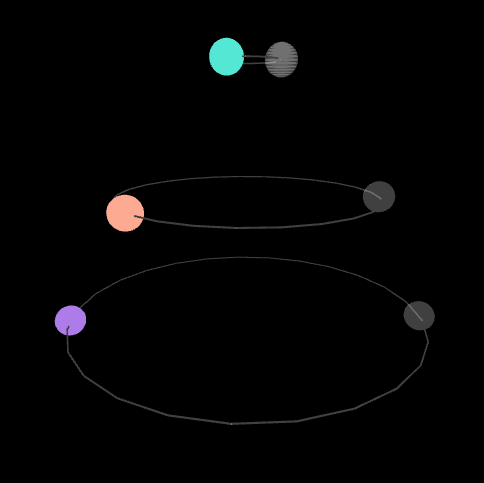
There are 4 waveforms to choose from: Sine, Triangle, Square, Sawtooth
Each type of waveform has a unique sound, making different arrangements of different types of waveforms fun!
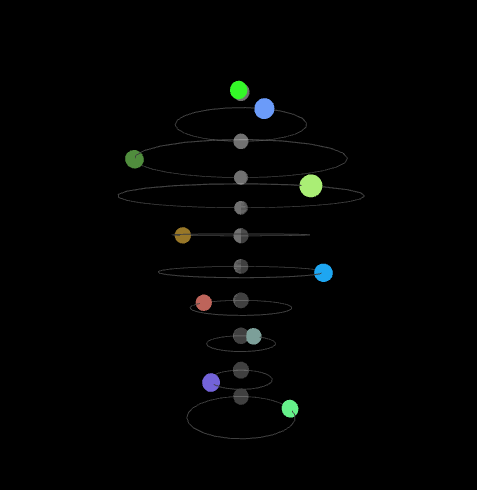
Press record and do a short sound.
The Speech sphere will then bounce around the Well of Wandering and each time it collides with a Sound Sphere it will play the recorded sound with a high reverb modifier.
It works better when the sound is made right after pressing record and stopping the recording right after the sound is finished.
IMPORTANT CRASH INFO!
Have at least one Sound Sphere moving before activating the Speech sphere as having no moving Sound Spheres tends to crash it!
The Speech sphere is very temperamental and will crash the Well of Wandering most of the time its used. Its unfortunate :(
If it does not work on your browser, try Google Chrome, as it worked the best on my tests.
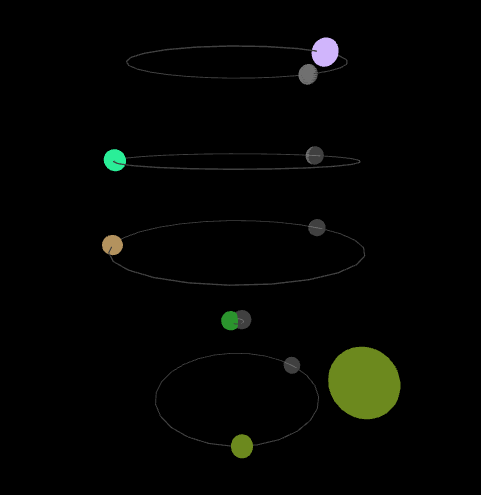
Play around with the values of the controls and find sounds you enjoy!
As a generative music tool, the Well of Wandering is meant to be learned through experimentation, so go find your unique music!
For a project that had to work with sound we decided to go with a generative music idea, where the Well of Wandering appeared from. We decided to go with a sort of instrument that could be fiddled with, but also would mostly work by itself. Spheres would have a orbit path that they needed to travel in order to play their own sound, and they would sort themselves vertically, each level being its own frequency. This created a sort of well shape, and the chaotic but harmonic sine sounds would give this wandering of the mind experience.
The project then culminated into this audio experience that can create many unique and cool sounds, which we were pretty happy with.
Even though I am not a particularly sound enthusiast, I actually ended up really liking doing this project with sound and music, and I am interested to work again and do more projects centered with audio experiences and generative music.
This project was part of a group work